Professional Photo AI — Studio-quality portraits
Upgrade selfies and casual photos to polished studio portraits with pro lighting, skin tone, and background — ideal for LinkedIn, resumes, and profiles.
Output
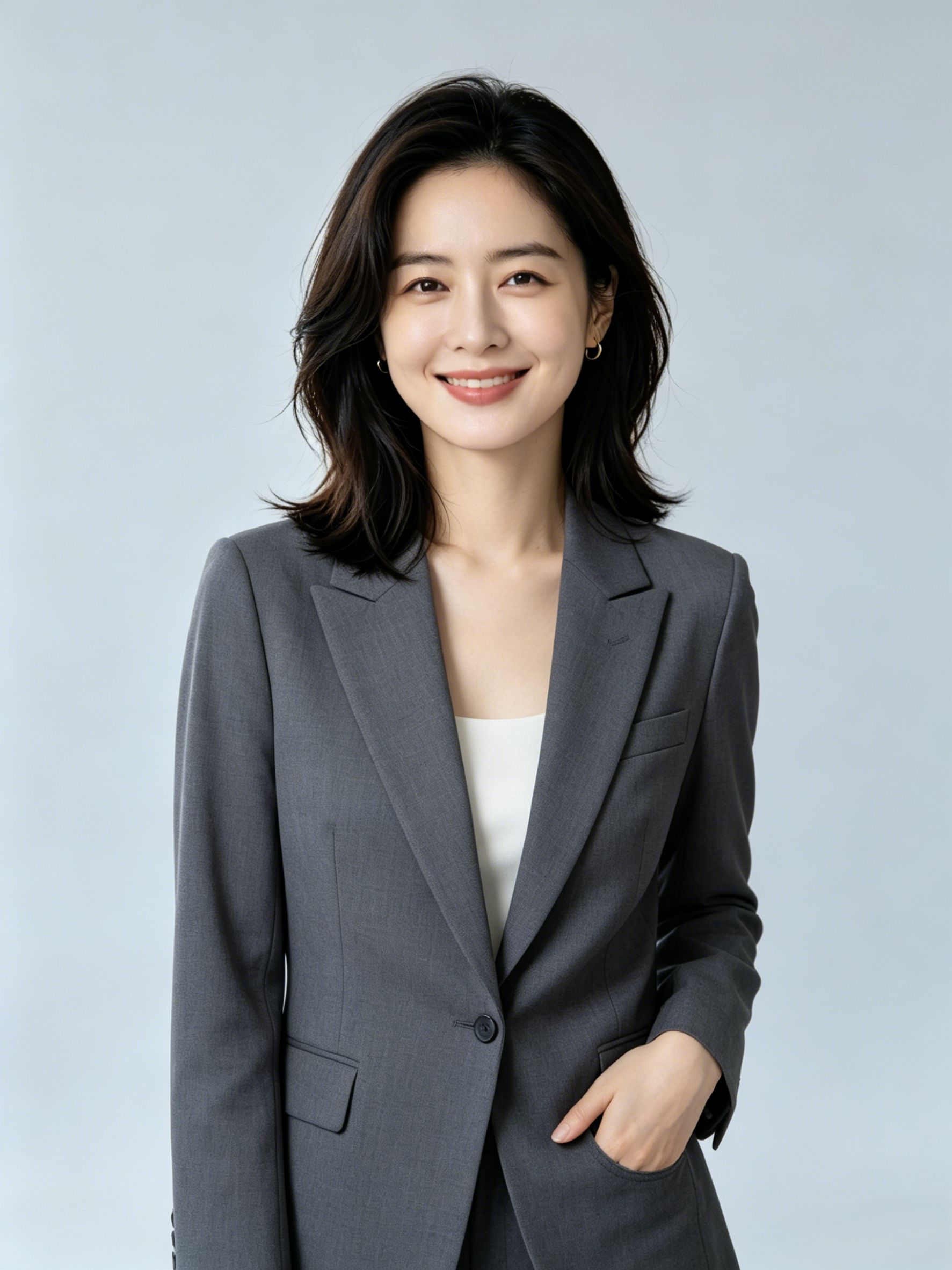
Casual home outfit → dark suit business headshot with natural professional expression.
Input
Professional Photo Studio · Casual → professional
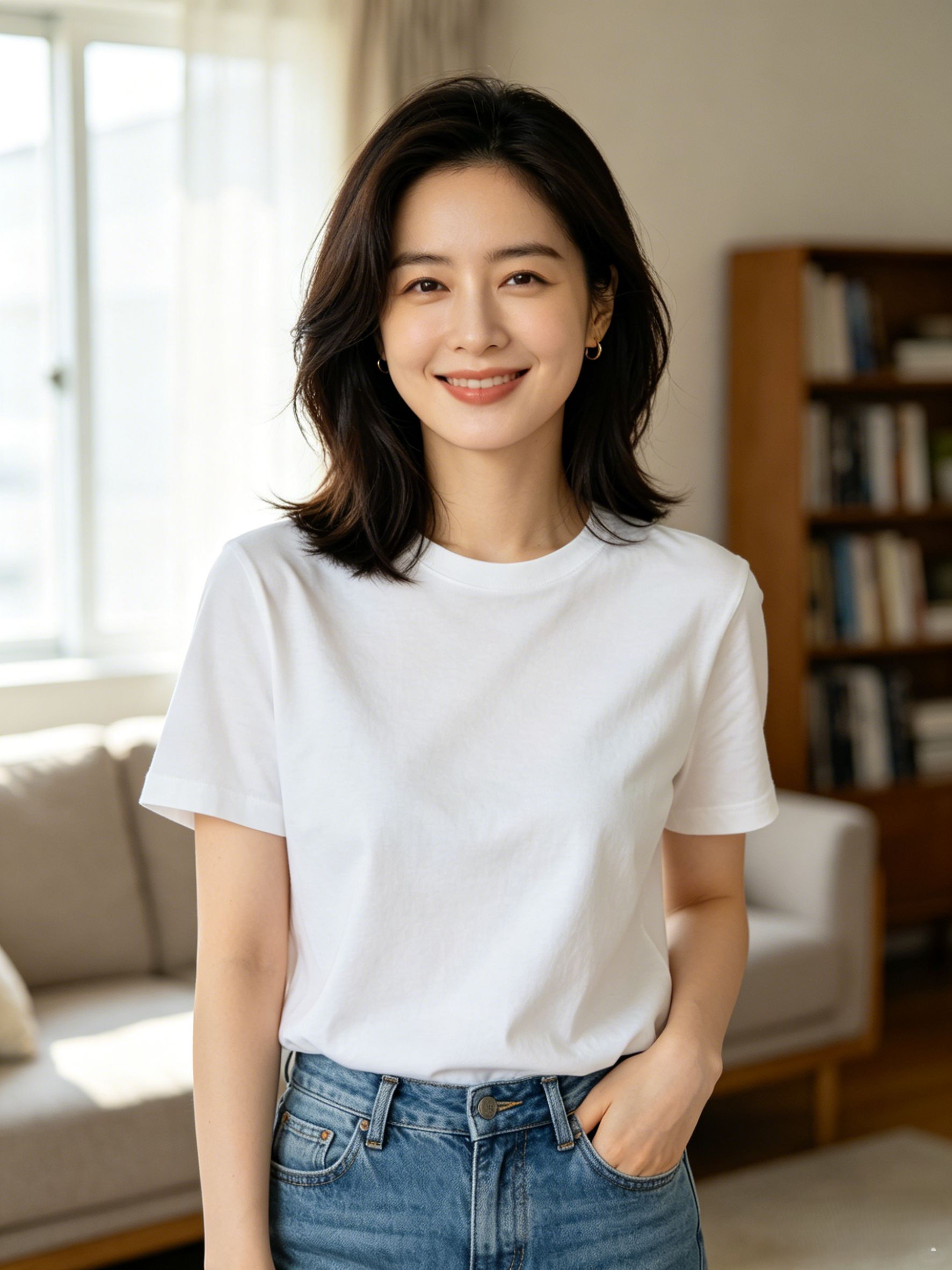
Describe the modifications you want for the image.
① Add source image and describe edits → ② Preview on the right → ③ Generate now
Start with Professional PhotoPowerful, simple, free to start
Turn casual shots into studio-quality portraits Upload or prompt, preview in seconds, and download — no Photoshop required.

Instant photo to Professional Photo
Upload a selfie or portrait and keep facial features while applying a professional Professional Photo look — free to try online.
Try free Professional Photo →
Create Professional Photo from text
No photo? Describe the effect in plain language and the AI builds a complete image with natural, detailed results.
Create Professional Photo now →
Customize Professional Photo style & details
Adjust style, color, composition, and fine details. Gemini understands intent and supports conversational refinements.
Customize style →
Download high-res Professional Photo results
Export HD PNG/JPG for social, e-commerce, or print. Free tier includes watermark-free downloads.
Download your Professional Photo →Professional AI results with an intuitive workflow.
One-click generation
With Professional Photo, upload an image and describe your goal to get professional results in the Nano Banana 2 editor — fast, simple, and free to start.
Natural, realistic output
Powered by Gemini 3, the AI understands faces, lighting, and composition for believable images ready to share or use commercially.
Multiple styles
Try different styles and settings in one session until you find the look you want.
Start free in the browser
No heavy software to install — upload, prompt, and see results in seconds.
How to use Professional Photo
Three steps from upload to download.
Upload your photo
Upload a clear image. Good lighting and a defined subject help the AI produce sharper results.
Describe the effect
Enter a prompt or use the template. Professional Photo understands natural language — the more specific, the better.
Generate instantly
Click Generate to open the Nano Banana 2 editor and preview your result in seconds.
You may also like
Explore related AI image tools on Nano Banana 2.
AI Image Editing with natural language
Replace backgrounds, change outfits, and adjust lighting with a single sentence — faster and smarter than Photoshop.
Free AI Text to Image
Type a description and instantly generate HD images — from concept to finished visual in one step.
AI Image Enhancer
Upscale blurry low-res photos with one click — perfect for e-commerce product shots and social content.
Nano Banana 2 next-gen model
Powered by Gemini 3.1 Flash — faster, sharper AI image generation and multi-image fusion.
Professional Photo FAQ
Find answers about using Nano Banana 2 Professional Photo.
What is Professional Photo?
How do I use Professional Photo?
Is it free?
Which file formats are supported?
Can I use results commercially?
How does Nano Banana 2 Professional Photo compare to alternatives?
Try Professional Photo free today
Use Nano Banana 2's AI power to create stunning visuals in seconds.
Try for Free