Nano Banana Pro: Beginner to Master Scene Prompting
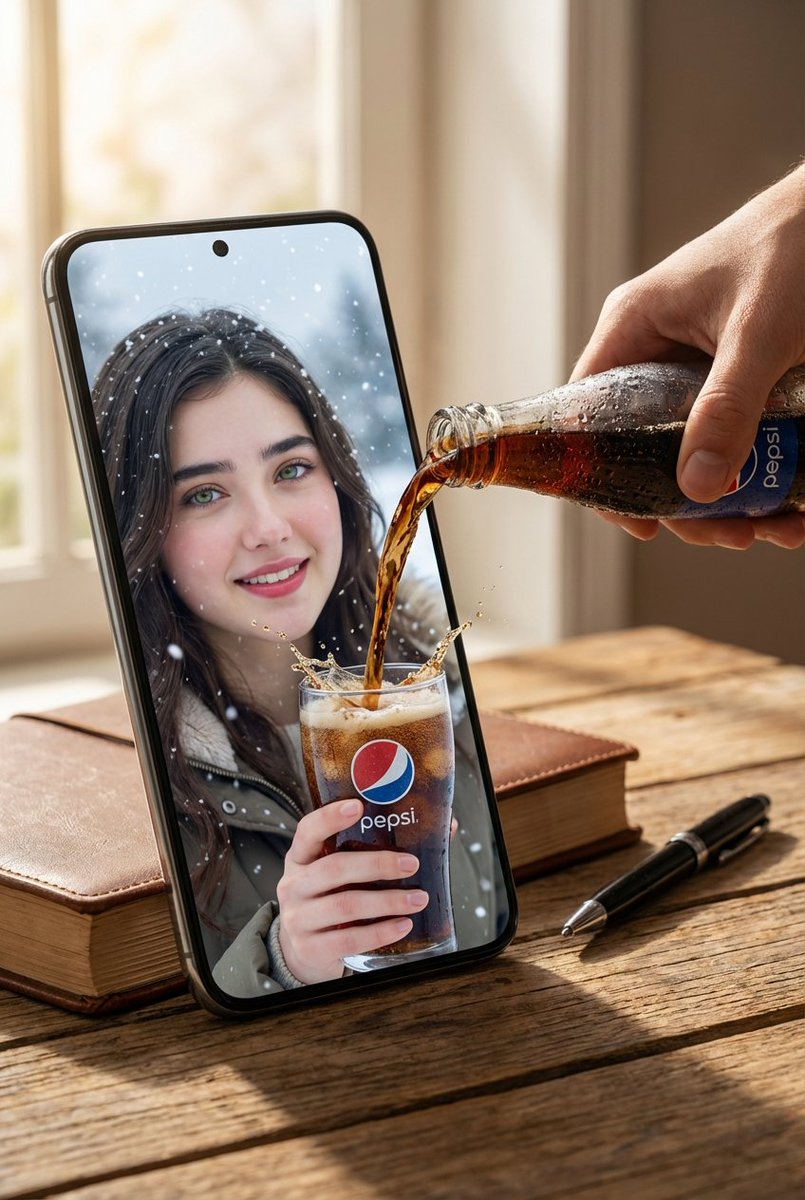
Google recently published an official Nano Banana Pro guide packed with practical tips. Unlike older tools (Stable Diffusion, Midjourney) that expect keyword stacks, Nano Banana Pro understands natural language and reasons about your brief—talk to it like a designer who knows composition, lighting, and physics. We reorganized the official guide plus community discoveries into this playbook. Examples use this site's demo gallery; prompts are copy-ready for NanoBanana 2.
Rule #1: Describe scenes, not tags
The single most important habit—never prompt like a tag list. Write a complete, logical, human sentence.
❌ Tag soup (weak)
Cool sports car, neon, city, night, 8K✅ Scene description (strong)
A cinematic wide-angle shot of a futuristic sports car speeding through rain-soaked Tokyo streets at night. Neon sign light reflects off wet pavement and the car's metallic body.The second version has setting, light, mood, and material—that is what Nano Banana Pro is built for.
Three principles before you prompt
1. Edit in place—don't regenerate
If a image is 80% there, don't start over. Say: *"Great—now change the lighting to sunset and make the text neon blue."* Iterative dialogue edits work extremely well.
Great—now change the lighting to golden hour sunset and make the text glow neon blue.2. Specific beats vague
Vague prompts produce generic results. Swap fuzzy words for concrete visuals:
- Not "a woman" → "an elegant elderly lady in a vintage Chanel-style suit"
- Not "metallic" → "brushed stainless steel with slight oxidation"
- Not "nice background" → "California coastline at sunset, backlit waves"
- Not "premium style" → "deep-space black gradient, dark-gold sans-serif headline"
3. Tell it *why*
Because the model reasons, stating purpose helps it choose lighting, layout, and tone automatically:
Shoot a sandwich photo for a high-end Brazilian gourmet cookbook.→ professional food styling, shallow DOF, perfect studio light.
Create a knowledge concept diagram for elementary-school science education.→ playful icons, friendly fonts, simple visual metaphors.
Nine capabilities worth mastering
Core capability 1: Text rendering & infographics
Nano Banana Pro finally gets text right—including CJK characters. Turn dense PDFs into clean infographics, vintage posters with readable copy, or technical diagrams with accurate labels. Tip: Put exact wording in quotes when you need precise text control.
Example: Poetry scroll scene
Generate a classical Chinese poetry scroll inspired by "Quiet Night Thoughts" (静夜思), 16:9 aspect ratio. Include title, author, and full poem text. Background mood should match the poem. Red seal stamp in the lower-right corner.Example: Classroom whiteboard diagram
Summarize "Transformer neural network architecture" as a hand-drawn whiteboard diagram for a university lecture. Use different marker colors for encoder vs. decoder; clearly label "self-attention" and "feed-forward network".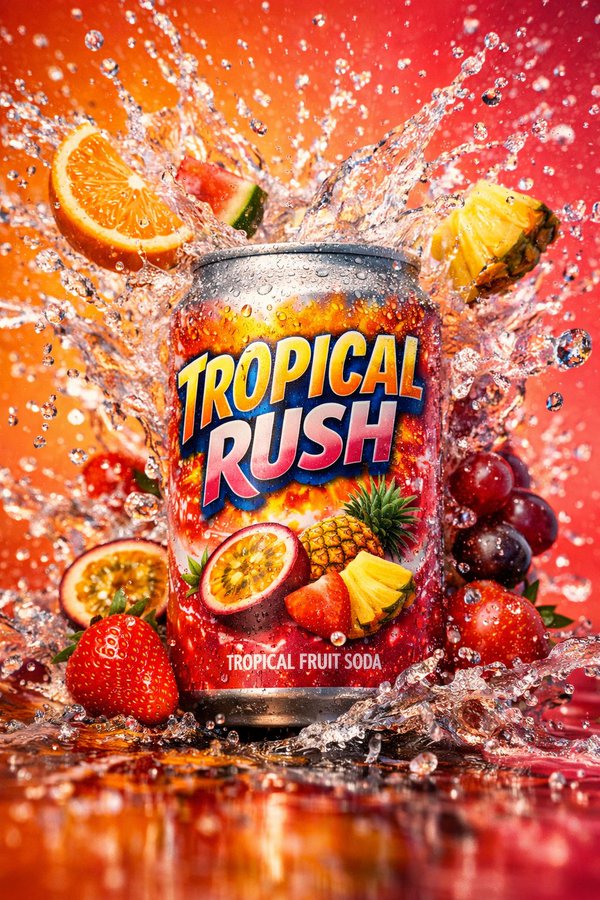
Ideal for any visual that must communicate with words.
Core capability 2: Character consistency
Up to 14 reference images enable identity lock—drop the same person into new scenes with zero face drift.
Example: Viral thumbnail formula
Using the person from Image 1, design a viral video thumbnail.

Face: keep the exact same identity but change expression to extremely excited and surprised.
Action: person on the left, pointing right. High-quality avocado toast on the right.
Graphics: prominent yellow arrow between finger and toast.
Text: huge POP-style "3 MIN FLAT!" with thick white outline and drop shadow, centered.
Background: bright kitchen, blurred, high saturation and contrast.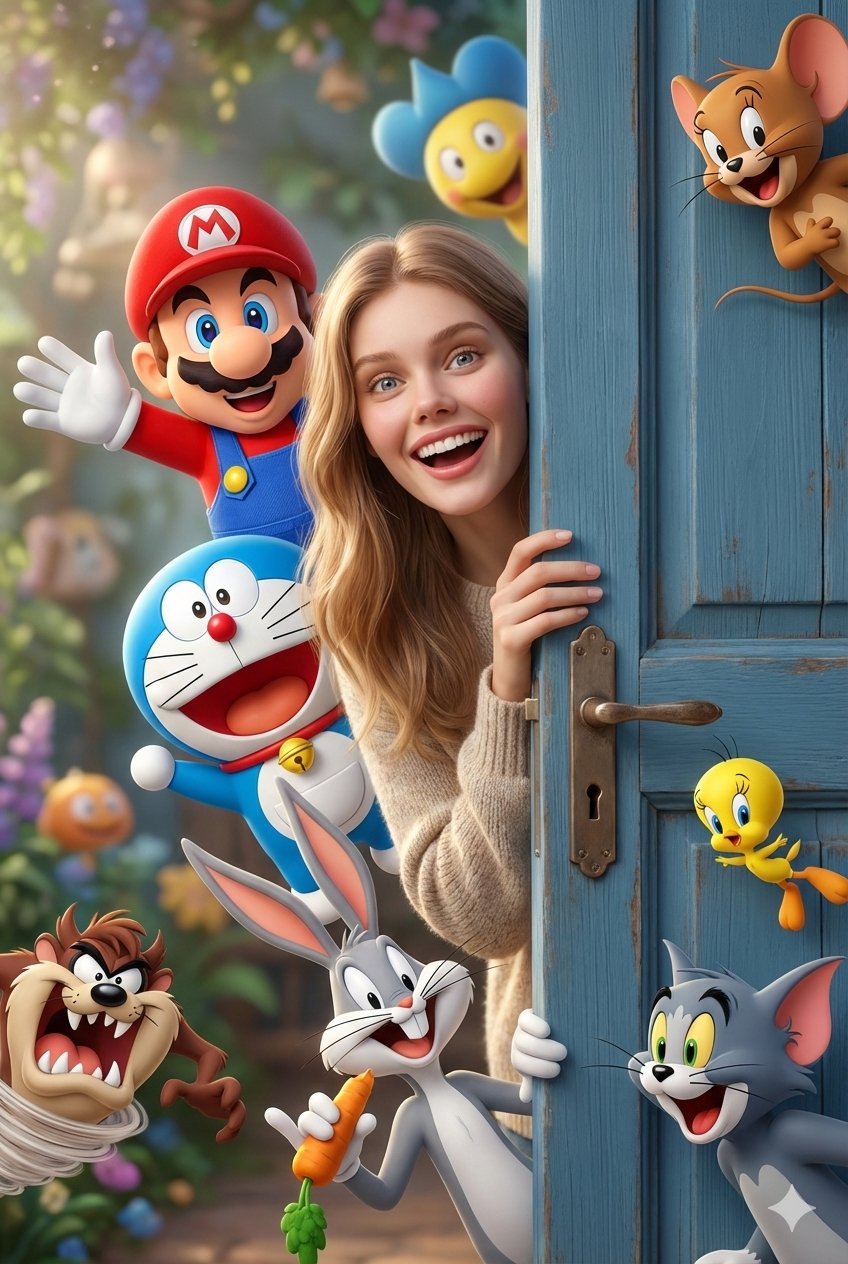
The classic high-CTR formula: exaggerated expression + product/scene + arrow + huge text.
Core capability 3: Google Search integration
Nano Banana Pro can call Google Search in real time—so images can reflect current data instead of training-cutoff guesses.
Example: Tourism trend infographic
Based on the latest 2025 tourism trends, generate an infographic showing the best times to visit Xinjiang, China.Example: Live city weather scene
Present a city landmark as a 3D chibi miniature scene from a clear 45° top-down angle. Vertical 9:16, centered composition. Fine PBR materials, soft realistic lighting. Integrate live weather effects into the cityscape. Text language matches the city name. Soft solid-color background.

Top: large weather icon. Below: date (small), temperature range (medium). Above icon: city name (large). Weather info may overlap buildings.

Fetch current weather for the city online, then generate.

City: Guangzhou
Build time-sensitive content without the model inventing facts.
Core capability 4: Advanced editing & photo restoration
Complex inpainting and edits via natural language—no manual masking.
Example: Remove passers-by
Remove all tourists from the background and naturally fill with cobblestone pavement and storefront matching the surroundings.Example: Color a B&W comic panel
Color this comic panel with vibrant anime-style palette. Energy wave glow should be neon blue; character outfit colors strictly follow official settings.Example: Localize scene & text
Move this car to a Tokyo scene: translate slogans to Japanese and change the background to a busy Shibuya street at night.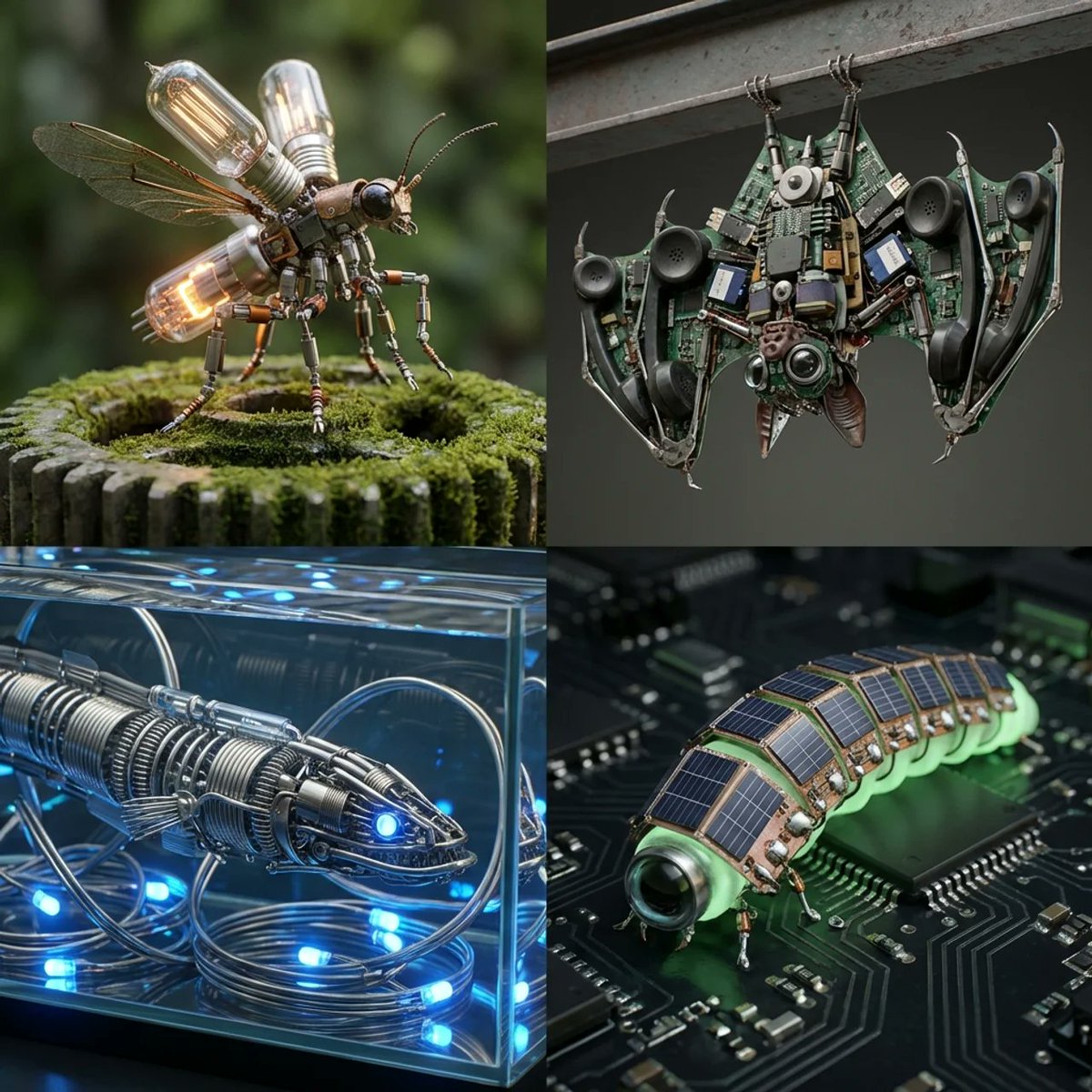
Core capability 5: 2D ↔ 3D conversion
Turn flat floor plans into photoreal interior collages (or the reverse).
Example: Floor plan → interior collage
Based on the uploaded 2D floor plan, generate a professional interior design collage.

Top: wide-angle living room hero. Bottom row: three smaller images (master bedroom, study, furnished top-down floor plan with labels).

Modern minimalist style, warm oak flooring, off-white walls, consistent lighting, photorealistic render.
Core capability 6: Native 4K output
Native 1K–4K output for print, conference walls, and hero visuals.
Example: 4K moss forest wallpaper
Generate a breathtaking moss forest floor scene with complex light and shadow interplay. Every moss strand and light ray should be ultra-detailed—suitable as a 4K wallpaper.Core capability 7: A model that "thinks" first
Before the final image, Nano Banana Pro generates free intermediate reasoning frames to work through layout and visual problems.
Example: Step-by-step whiteboard reasoning
Summarize "Transformer neural network architecture" as a hand-drawn whiteboard diagram for a university lecture. Use different marker colors for encoder vs. decoder; clearly label "self-attention" and "feed-forward network".Core capability 8: One-shot storyboards
Generate multi-panel coherent sequences—ad campaigns, comics, tutorials, film boards—in a single prompt.
Example: 9-panel luxury luggage campaign
Create a 9-panel ad campaign for a luxury luggage brand. Male and female leads maintain consistent identity and wardrobe; vary angles and distance; emotional story arc ending with the heroine plus brand logo in an elegant shot. Each panel 16:9.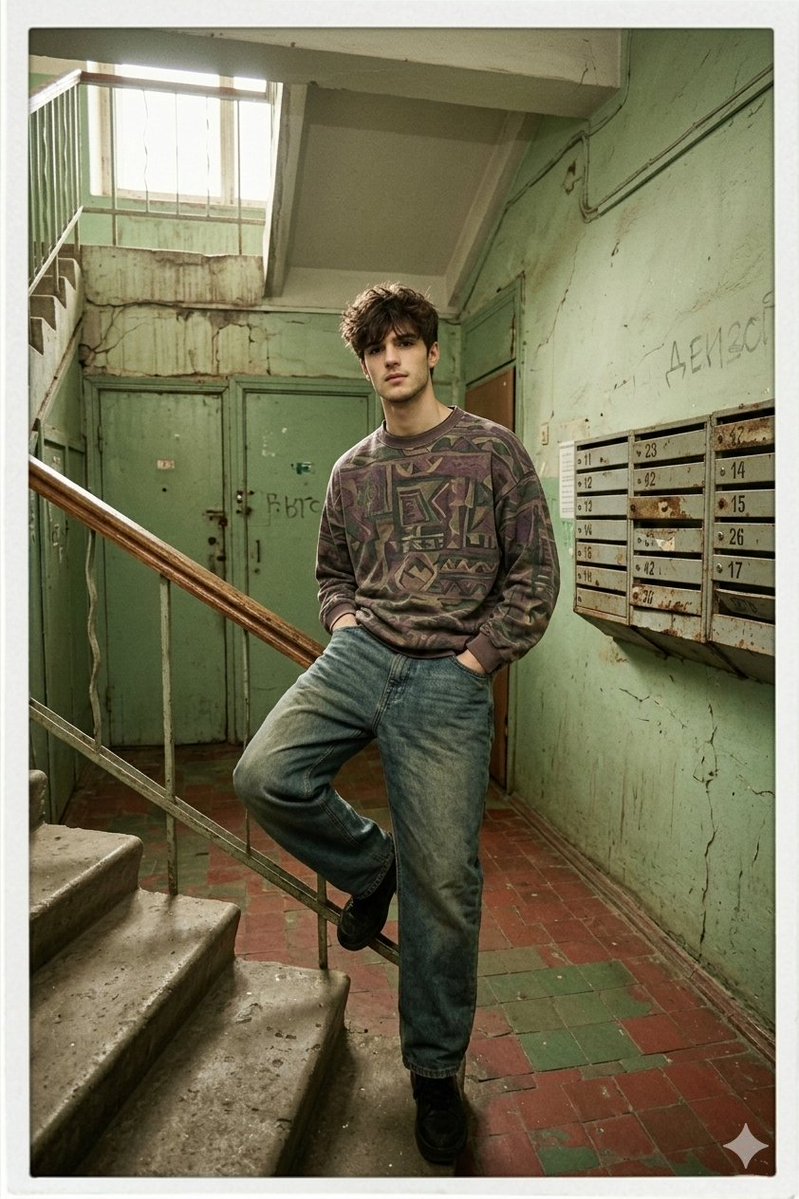
Continuity most image models cannot match.
Core capability 9: Structure control & layout guidance
Upload a sketch, wireframe, or grid and the model follows your layout precisely.
Example: Sketch → finished artwork
Strictly follow this hand-drawn sketch's layout and element placement to produce a finished artwork.Example: Wireframe → hi-fi UI
Based on the uploaded wireframe, generate a polished high-fidelity product UI.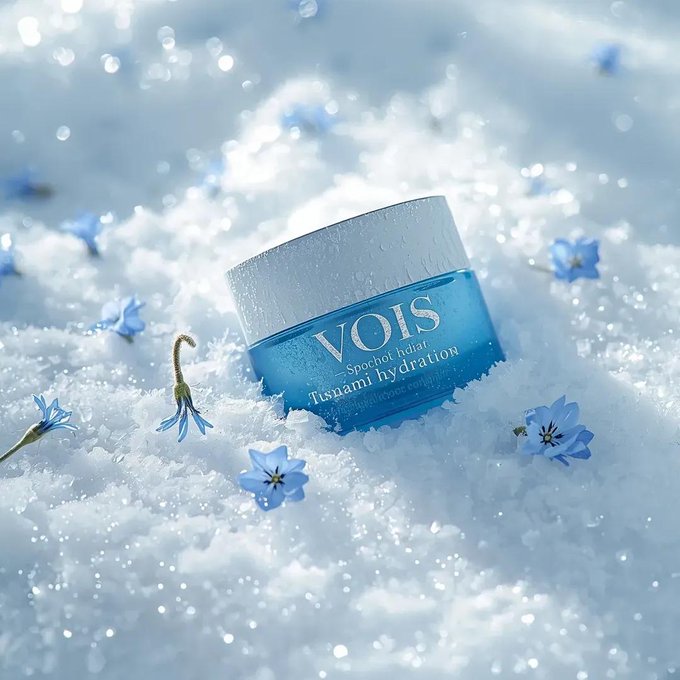
Three advanced prompt techniques
Tip 1: Treat AI as a partner, not a vending machine
Provide clear examples, state constraints, and describe output structure. Start from the end result and reverse-engineer the prompt.
- Share reference images or mood boards
- List hard constraints (aspect ratio, brand colors, no logos)
- Define the output format (single hero, 9-panel grid, infographic)
Tip 2: Let AI refine your prompts
A proven loop:
- 1. Write a draft prompt
- 2. Ask AI to improve it
- 3. Feed the optimized version back in
- 4. Repeat until quality plateaus
Tip 3: Train style with example images
Upload a few images you love, ask the model to analyze their traits, generate 10 similar prompts, then batch-create in your aesthetic.
- Upload 3–5 style references
- Ask: "What visual traits do these share?"
- Generate a prompt library from the analysis
- Iterate on winners
I want to generate a tech-style product poster—please write a detailed prompt for me.Bottom line
Nano Banana Pro's real value is not "pretty pictures"—it is turning clear or fuzzy ideas into tangible visual products. Beyond Google's guide, the community keeps discovering new workflows.
If you have an idea, you can ship a visual.
References
- Official guide (Google AI Studio on X)
- Community tips (Gemini app on X)
- Tool: Google AI Studio / NanoBanana 2
Put it into practice
Pick one capability above, paste the example prompt, swap placeholders, and iterate once on layout then once on style. NanoBanana 2 supports high-res output—build your personal prompt library from these nine patterns.